Page 5 of 7
Creating generator
You must now create the generator for generating a unique number for the table.
Open the handy tools via Extra → Plugins → Handy Tools, choose the "Run SQL" tab and enter it in the text
create generator GEN_TESTID;

Sql create generator GEN_TESTID processed!
If you press the execute button, you have the generator created.
See the results
Open new window and select the debtors a debtor in the list. Press Edit to edit the Freefields tab in the tabs at the bottom of the debtor.
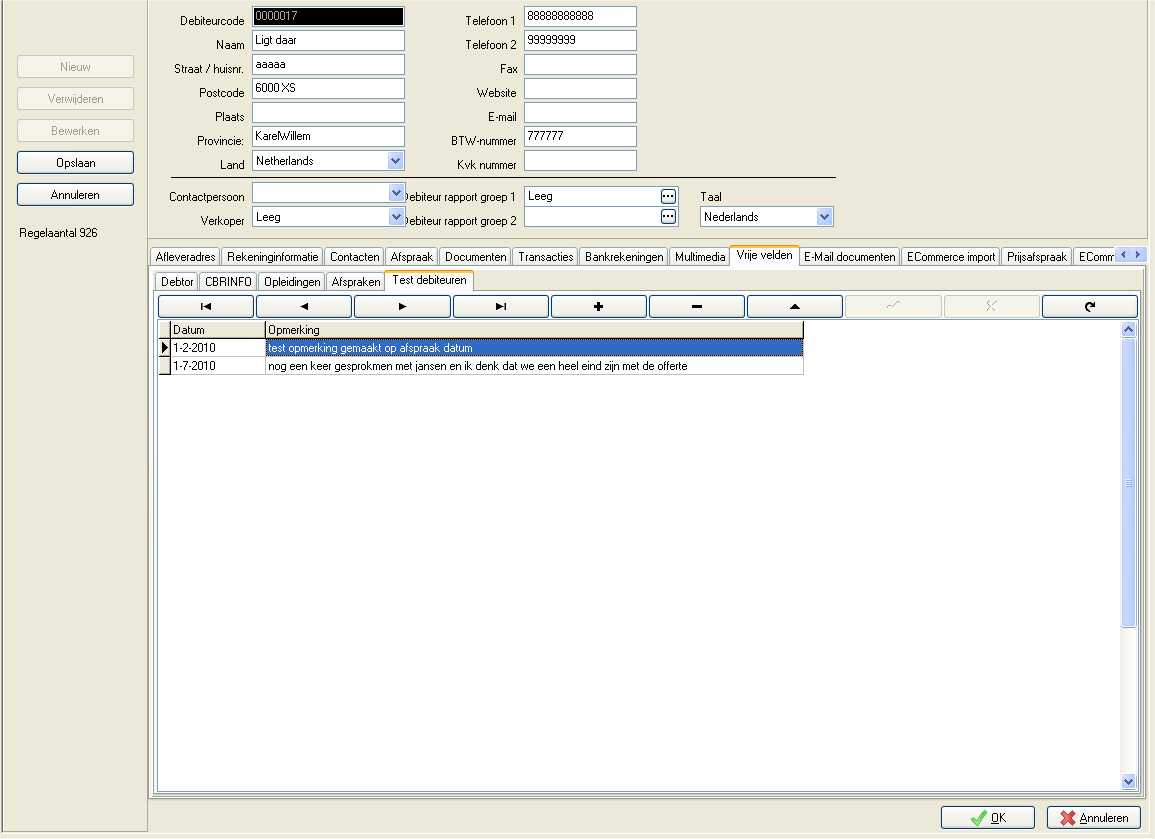
You should now see where you can enter multiple records. Extra tab there If you press the + sign, go to the detail screen.
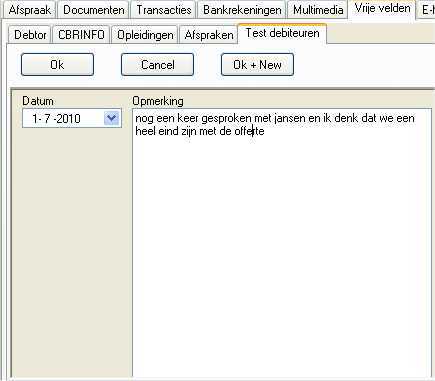
Here you can contact moments capture and directly enter a new record or the current store.