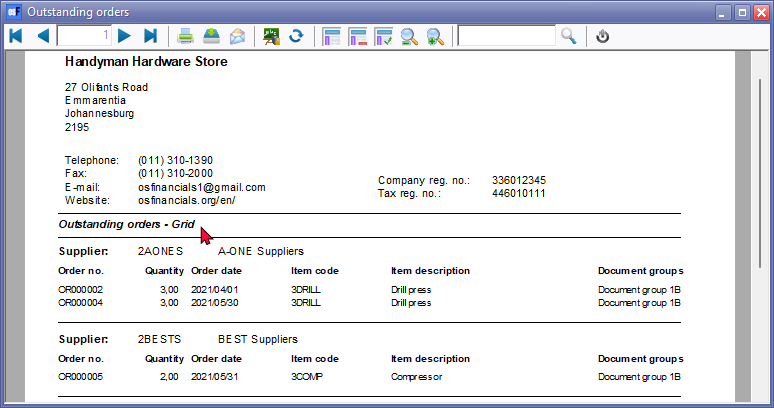
Print single item - Outstanding orders
Outstanding orders
The "Outstanding orders" report will list all outstanding orders, which is not yet confirmed (converted to a purchase document). This report will list all unconfirmed orders for each creditor (supplier / vendor) account by order number, order date stock quantities, stock item code, stock item description and document reporting group 1.
|
|
You may print a list of the unconfirmed orders in the Reports → Documents → Document listing per account → Purchase documents - Orders (Reports ribbon). The "Confirmed" option on the report parameters needs to be blank (not ticked). |

Outstanding orders (Unconfirmed) orders options
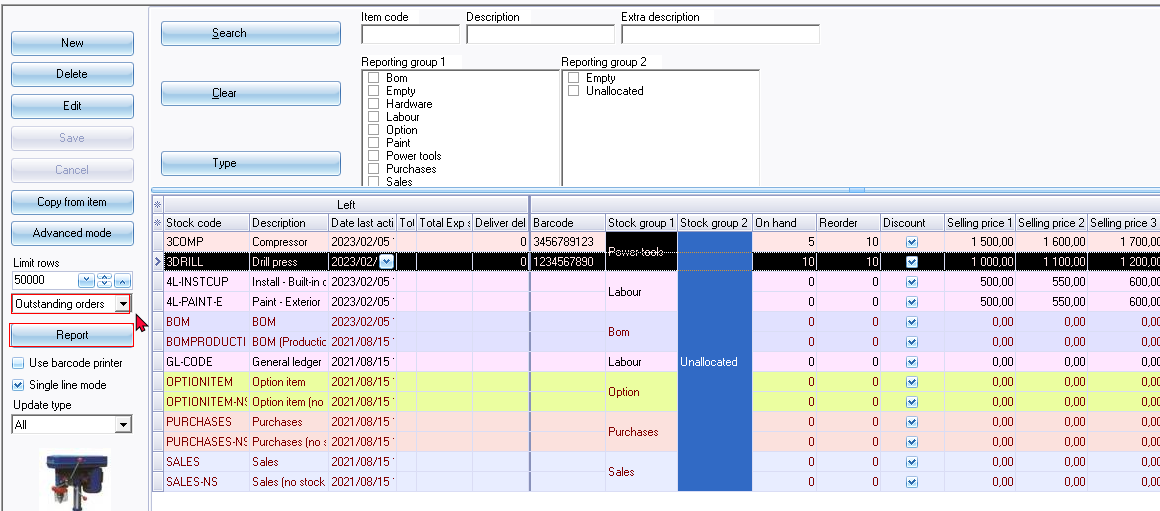
Print single item (context menu)
Prints directly to default printer and not to the Reportman preview screen.
In this example, the system's default printer is set to "Microsoft print to PDF" where you need to enter a file name to save the file print as "PDF Document (*pdf)" file type on the " Save Print Output As" screen.
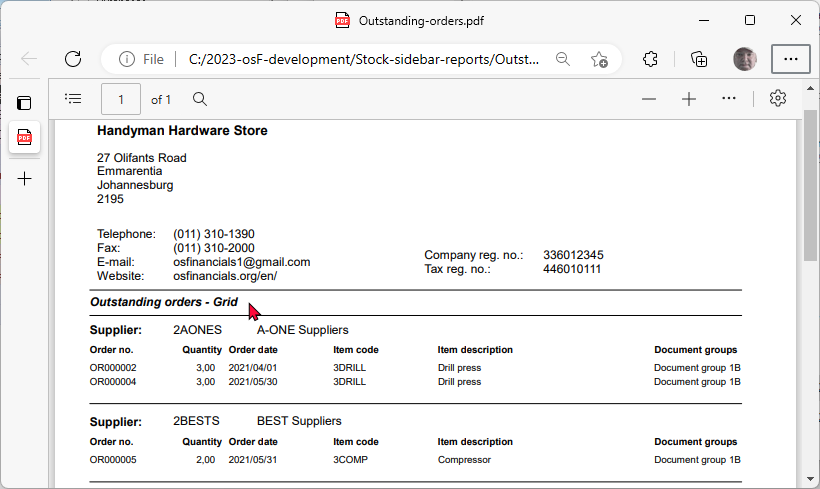
Report button
Prints the report for all stock items.