Print single item - Price list - Large retail - Sales
Price agreement
|
|
Price agreement plugin - Licence " - Manual - Shop - Once-off license - |

Price list - Large retail - Sales
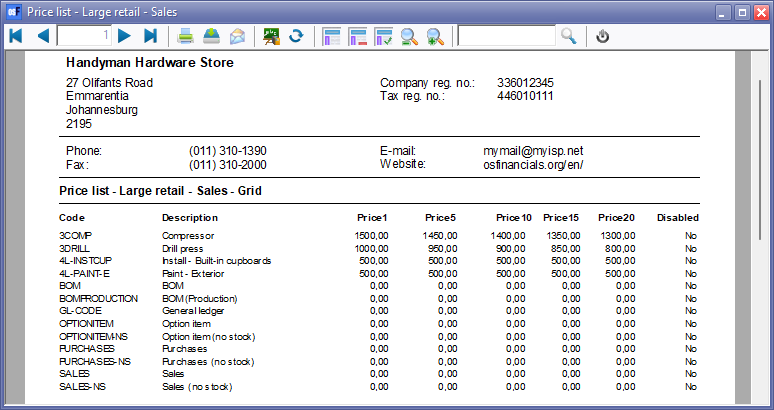
The "Price list - Large retail - Sales" report will list quantity discount up to five (5) price levels for your debtors (customers / clients).
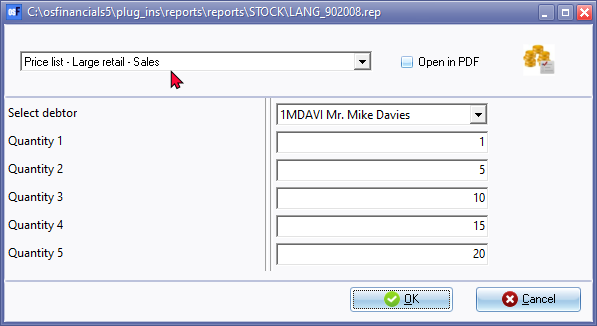
Price list - Large retail - Sales options

Report button on Sidebar
Select the debtor (customer / client) account.
Enter the quantities (up to 5 levels).
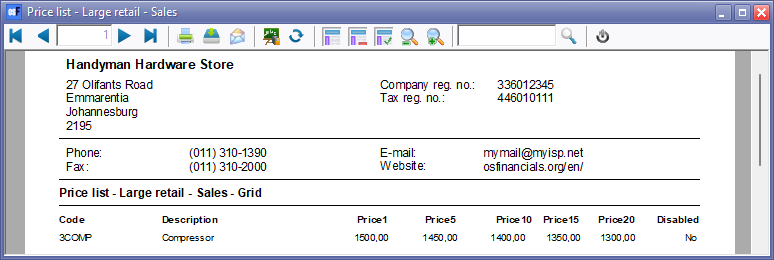
Print single item on context menu
Right-click on a selected stock item (product).
Select the debtor (customer / client) account.
Enter the quantities (up to 5 levels).
Prints directly to the Reportman preview screen.
Price agreement reports (Reports menu)
You may print lists of the price agreements.
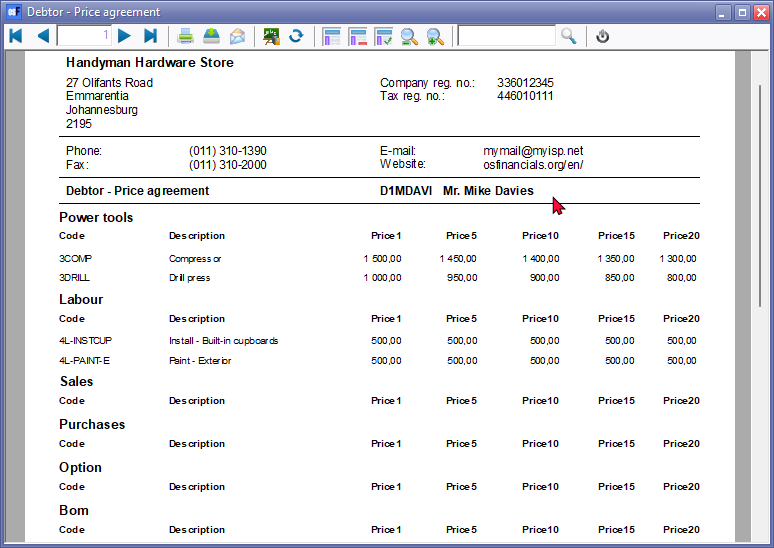
Print Price agreements for Debtors (Customers / Clients)
To print Price agreement reports for debtors (customers / clients):
- On the Reports ribbon, select Reports → Plugins → Price agreement.
- Select the "Debtor - Price agreement" report (default option).
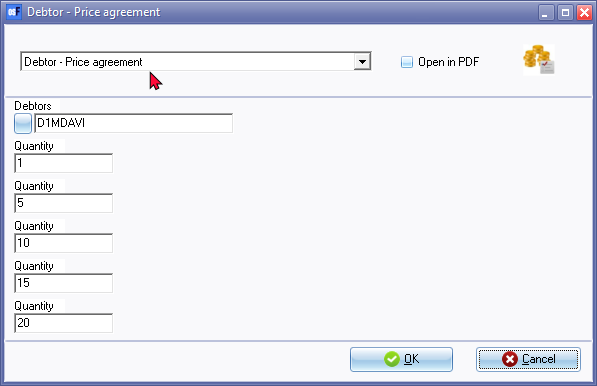
- Select the debtor (customer / client) account or creditor (supplier / vendor) account.
- Enter up to 5 quantities.
- Click on the OK button.
An example of the "Debtor Price agreement" report, is as follows: