Translate Multi-language batch types
The Batch type names or descriptions, as entered in the Setup → Batch Types menu, are by default displayed on the following options: launched from the Default ribbon:
- Batch Entry menu.
- Edit → Repeating transactions.
It also displays on various reports, lookup and parameter screens.
|
|
To use multi-language Batch types, Language groups need to be created / added in Setup → Groups - Languages tab. |

To add translations to batch types:
- On the Setup ribbon, select Setup → Batch types.
- Select the Batch type.
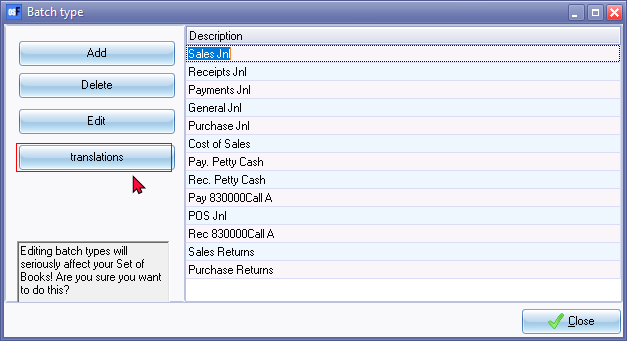
- Click on the translations button.
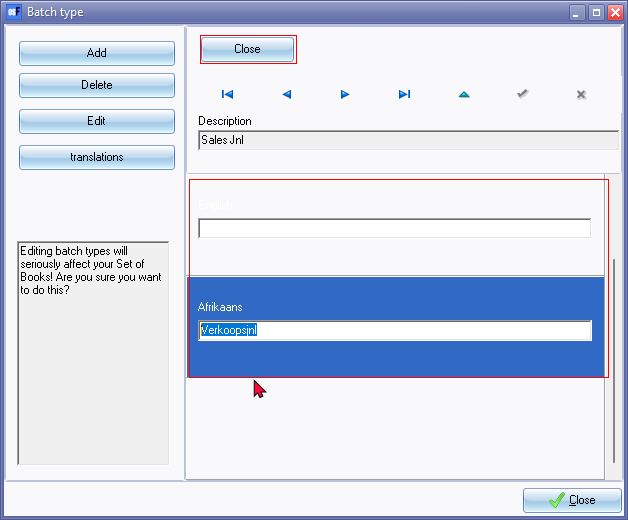
- Select the Language and enter the name or description for each language.
- Click on the save
 icon to save the record.
 - Click on the Close button (on the translations screen).
- Repeat the process for all Batch types.
- When the process is completed, click on the Close button on the "Batch type" screen.
Selecting batches
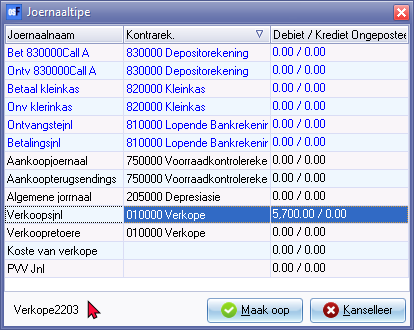
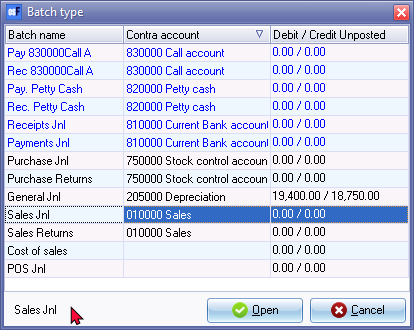
After translations added, the batch names will be displayed in the Language set for the logged in user.
Logged in as English user
Logged in as Afrikaans user