
Multi-language - Chart of accounts listing
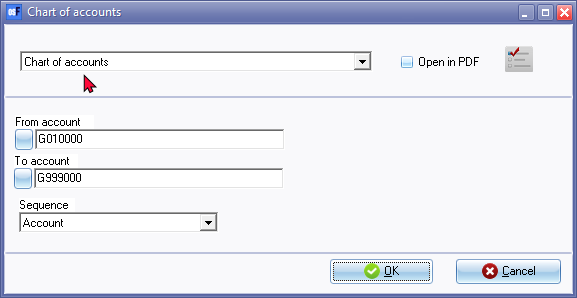
Print the Chart of accounts
After translations added, the report options and printed reports will be displayed in the Language set for the logged in user.
To check the translated Chart of accounts into the translated language:
- Click on the Open icon (Start ribbon).
- Select the Set of Books and click on the Open button.
- On the Login screen, enter the username and password for the different language.
- Click on the OK button. The osFinancials interface and Set of Books will open in the user's language (as per this example in Afrikaans.
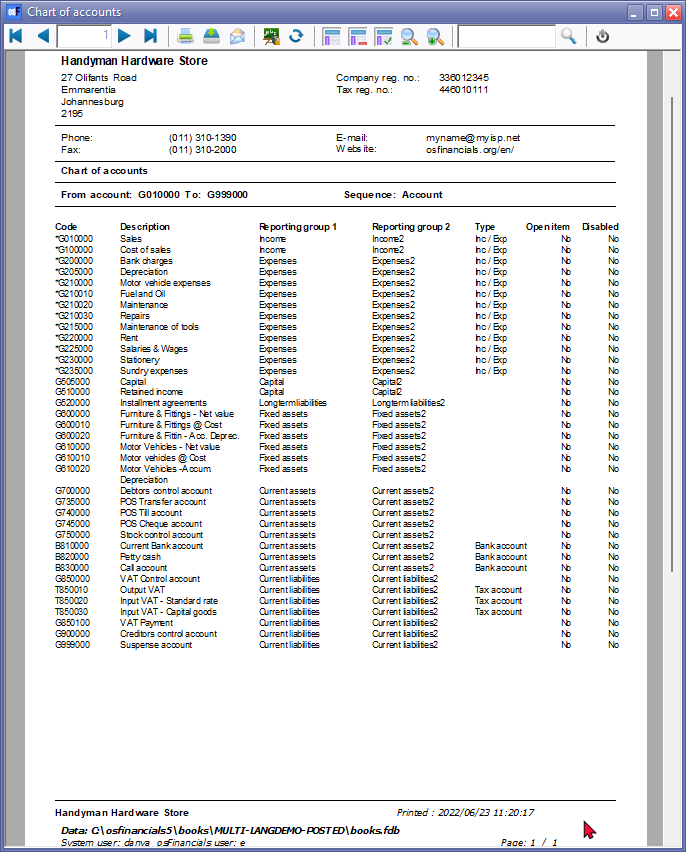
- Print the Chart of accounts and check if it is correct.
- Print the Account Group 1 / 2 report and check that the groups are correct.
Logged in as English user
Logged in as Afrikaans user

